Our day, work, and whole life are completely reliant on our smart devices. Phones, watches, and earbuds, we need them every single day. But carrying different chargers for each device is so annoying. That’s where a 3-in-1 wireless charger comes in, a simple, smart way to power all your devices from a single place.
So, here in this blog, we’ll discuss everything about this handy and coolest accessory, and help you choose the best one for your needs.
What Is a 3‑in‑1 Wireless Charger?
A 3-in-1 wireless charger is a charging station that is made to fulfil the purpose of charging three devices at the same time. Usually, your iPhone, smartwatch, and earbuds. Unlike regular chargers, you don’t have to suffer from carrying multiple charging cables and untangling them. It makes charging effortless and keeps your desk or bedside table neat and organised.
This is especially useful for Apple users who have multiple gadgets. However, good 3-in-1 docks also offer wireless chargers for Samsung devices and other Qi-enabled phones, so if your Android or Samsung device supports wireless charging, it can also be charged.
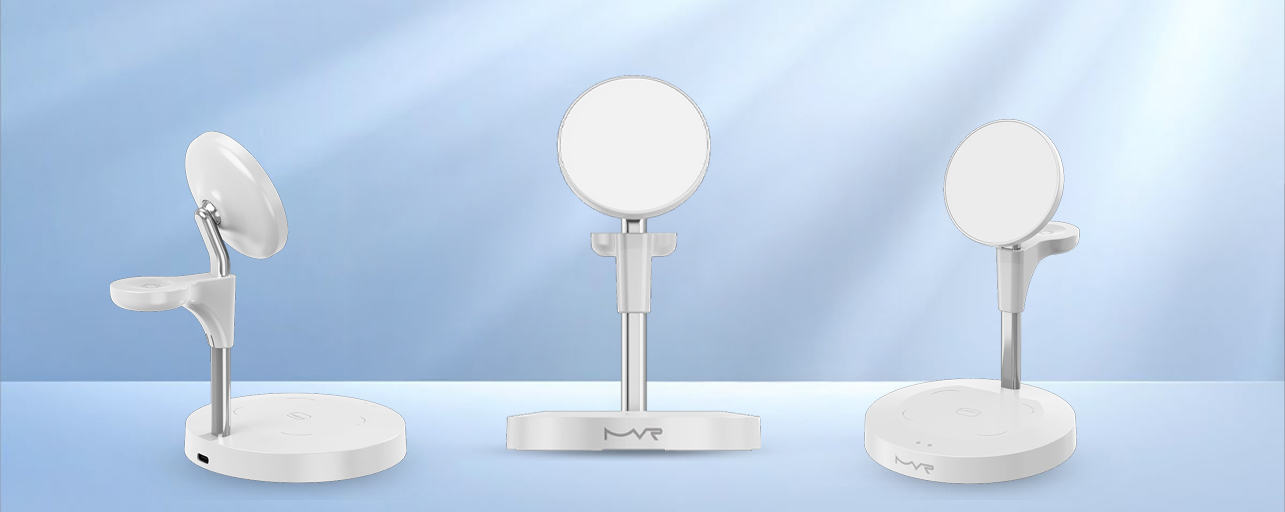
One excellent example you could consider is the Apple MagSafe Magnetic 3‑in‑1 Foldable Wireless Charger available at MVR Store.
Key Features of a 3‑in‑1 Apple Charging Dock
We know you’ll still be doubtful about how a single charging dock can solve our charging problem. Therefore, we’ll tell you the key features of a 3-in-1 Apple Charging Dock, which will help you to make the right decision:
1. Multi‑Device Charging
A real 3‑in‑1 dock charges your phone, smartwatch, and earbuds simultaneously without extra cables. This saves time and keeps your space clutter‑free.
2. MagSafe Compatibility
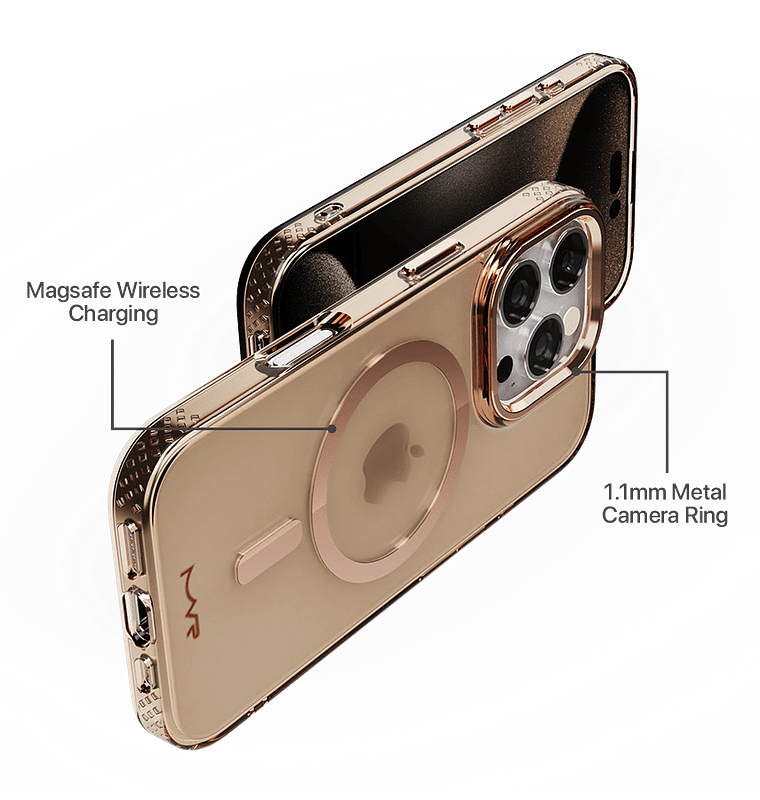
MagSafe technology uses magnets to align your iPhone perfectly on the charging spot. This means your device begins charging instantly and stays in place — even if it’s slightly bumped or moved. MagSafe makes wireless charging faster and more efficient.
3. Compact Foldable Design
Many modern docks, like the foldable MagSafe chargers, can collapse into a small form. This makes them great for travel or if your desk space is limited.
4. Fast Charging
Good 3‑in‑1 wireless chargers support fast wireless speeds (up to 15W or more with Qi2 or MagSafe tech).
5. Safety Features
Make sure you’re buying a charger that passes the basic safety checks. It shouldn’t overheat. These features keep your devices safe while charging overnight or during long sessions.
Benefits of Using a 3‑in‑1 Charging Dock
So, let’s understand what the plus points will be if you start using the charging dock.
1. No More Messy Cables
One of the biggest benefits of a 3‑in‑1 dock is that it replaces several chargers and messy wires. One cable powers all three devices, giving you a cleaner and more organised space.
2. Convenience Every Day
Instead of searching for chargers or remembering which cable goes where, you simply place all your devices on the dock. That makes your routine smoother, whether it’s in the morning before work or at night before bed.
3. Perfect for Home or Travel
A foldable charging dock is light and compact, so you can take it with you when you travel. No more carrying different chargers for your phone, watch, and earbuds – it’s all in one place.
4. Better Organisation
Your desk, nightstand, or office table looks neater with one central charging station instead of cables running everywhere. It’s a small thing, but it makes your tech life more pleasant.
Buying Tips for a 3‑in‑1 Charger
Now that you’re sold on the idea, here are some simple tips to help you buy the right one:
1. Check Compatibility
Before buying, make sure the dock supports your specific devices. If you use an iPhone, Apple Watch, and AirPods, choose a charger with MagSafe support. But if you also plan to charge an Android phone (like a Samsung), make sure it supports Qi or Qi2 standards — this will let it work as a wireless charger for a car, iPhone or other compatible phones too.
Some docks are better optimised for Apple gadgets, but many can also charge Samsung or Android devices at standard Qi speeds.
2. Look for Fast Charging
Faster charging means less waiting. While most docks support standard wireless charging, the latest MagSafe or Qi2‑certified chargers deliver quicker power delivery.
3. Think About Portability
If you travel a lot, or are habitual to carry your charger home to the workplace and vice versa, this will be best for you. Because, foldable and lightweight, it will be easy to carry.
4. Cable and Adapter
Some docks come with a cable and adapter in the box, while others don’t. Always check what’s included, so you don’t end up having to buy extra accessories.
5. Safety Features Matter
Good chargers have built‑in protection against overheating, overcharging and short circuits. This is important if you charge overnight or leave devices on the pad all day.
Wireless Chargers Beyond the Desk
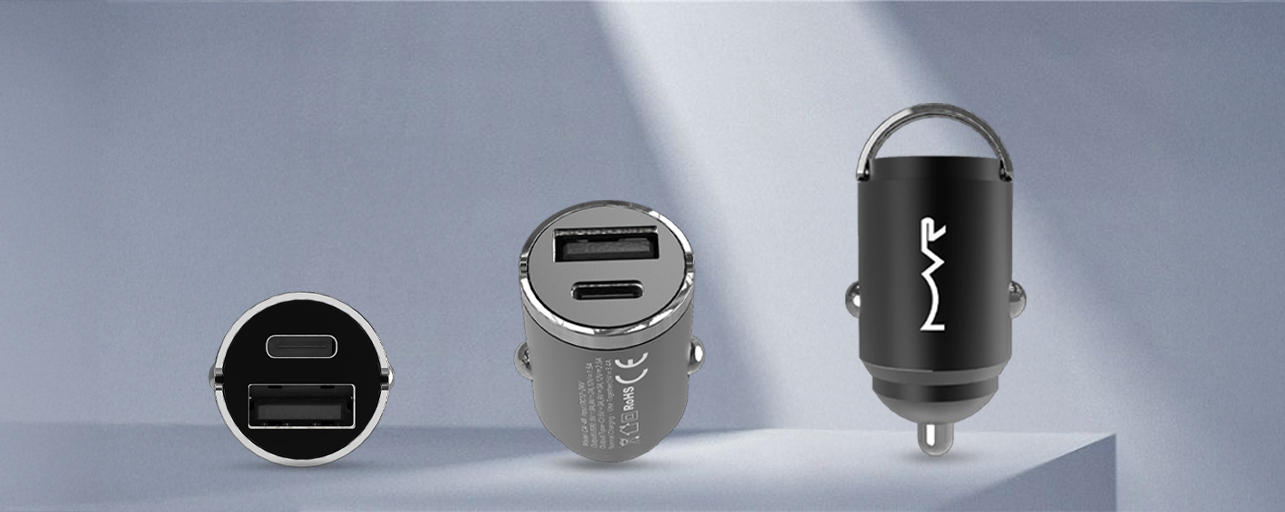
While this blog focuses on 3‑in‑1 charging docks, it’s worth mentioning that there are also wireless car charger Samsung options and magsafe car charger choices if you want fast, cable‑free charging on the road. These are great for long drives and for keeping your phone visible and charged during navigation.
And if you’re an Android user, the best wireless car charger for Android will often rely on Qi or Qi2 standards, making them compatible with chargers similar to the ones you use at home.
Final Thoughts
A 3‑in‑1 wireless charger is one of those accessories you didn’t know you needed until you start using it. It makes your life so much easier and convenient because you no more headache for carrying different adapters and separate cables for each device.
Ready to upgrade your charging setup? Check out the Apple MagSafe Magnetic 3-in-1 foldable wireless charger at the MVR store. Here, you’ll get your dream charger, phone cases, screen protectors and all accessories for your gadget.
FAQs
Can I use this dock with non-Apple devices?
Most 3-in-1 Apple charging docks are designed specifically for iPhones, Apple Watches, and AirPods. While some docks may charge other Qi-enabled devices, full compatibility and charging efficiency are not guaranteed.
Is it safe to leave devices on the dock overnight?
Yes, most high-quality 3-in-1 wireless chargers include overcharge protection, so your devices will stop charging once fully powered.
Do I need to remove my phone case to charge?
Usually, you don’t need to remove thin cases. However, thick or metal cases may interfere with wireless charging.